
TikTok Family Pairing: What Parents Can Control
TikTok Family Pairing lets a parent set screen time, a private account, messages, and Restricted Mode. A teen can make limits stricter, but cannot loosen yours.

TikTok Family Pairing lets a parent set screen time, a private account, messages, and Restricted Mode. A teen can make limits stricter, but cannot loosen yours.

Family location sharing shows a dot, and often a battery level or a place name. It is useful when everyone knows it is on, and a problem when nobody can turn it off.

YouTube Kids, a supervised YouTube account, and Restricted Mode are three different tools. Most families need one of the first two, not a normal login.

A real security warning does not ask you to call a phone number on the screen. Fake tech-support pop-ups want remote access and a payment that is hard to reverse.
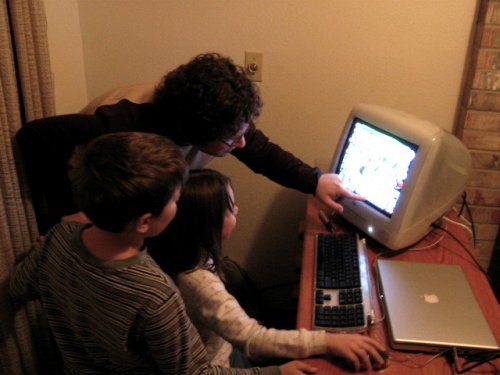
Roblox parental controls can limit games, chat, spending, and screen time. None of that works until a parent account is linked to the child’s account.
Instagram Teen Accounts start private and limit who can message a teen. Parent supervision is optional, both people must agree, and you still cannot read their chats.
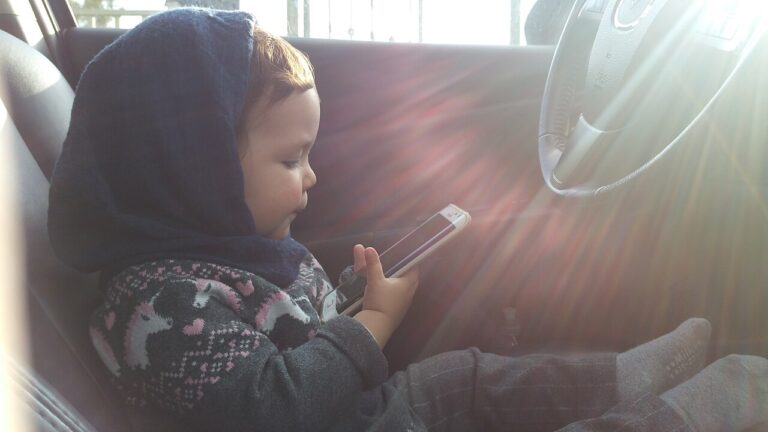
Google Family Link manages a child’s Google Account and a supervised Android phone. It can approve apps, set time limits, and show location. It cannot supervise an iPhone.
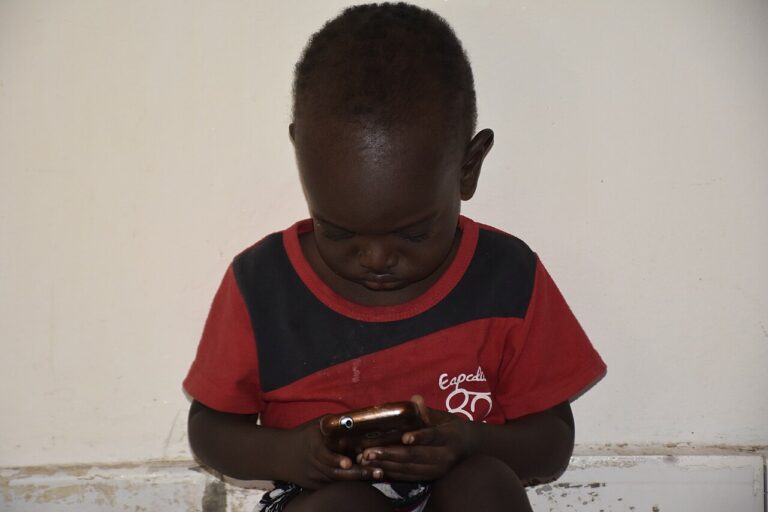
Snapchat Family Center lets a parent see who a teen is friends with and who they have talked to. It does not let you read the chats. The teen must accept an invite.
Parental controls on an iPhone live inside Screen Time. They work if the child is in your Family Sharing group and you keep a Screen Time passcode the child does not know.
Discord Family Center shows new friends, servers, and who a teen messaged or called. It does not show the messages. The teen has to accept the link first.