SIM Swap Scams: How to Keep Someone From Taking Your Phone Number
A SIM swap scam is when someone talks your mobile carrier into moving your phone number onto a phone they control. A port-out scam is a close cousin: the thief opens an account with a different carrier and moves your number there. Either way, your calls and texts start going to them instead of you. That matters because many banks, email providers and other accounts send sign-in codes by text, and whoever has your number can receive those codes.
This guide is for anyone with a cell phone, and especially for older adults and the family members who help them manage their accounts. It explains how a number gets taken over, the signs to watch for, a few settings that make it much harder, and what to do if it happens. The advice below was checked against the Federal Communications Commission (FCC), the Federal Trade Commission (FTC) and the Cybersecurity and Infrastructure Security Agency (CISA) on October 24, 2026.
How a phone number gets taken over
A SIM is the chip, or the built-in digital version called an eSIM, that connects your phone to your number. Thieves don’t need to touch your phone to move it. They need to convince the carrier that they are you.
- The SIM swap. The FTC describes a scammer contacting your carrier, saying your phone was lost or damaged, and asking for a new SIM tied to your number to be activated in a phone they have. If the carrier believes the story, the scammer gets your calls, texts and data.
- The port-out. The FCC describes a thief who, posing as you, opens an account with a different provider and has your number transferred to it.
- The groundwork. To pass the carrier’s questions, scammers gather details about you first. That can come from phishing messages, fake calls, or personal details posted online.
- The payoff. With your number, a thief can request password resets and receive the text codes. The FTC warns they can also open new accounts or buy phones in your name.
Warning signs
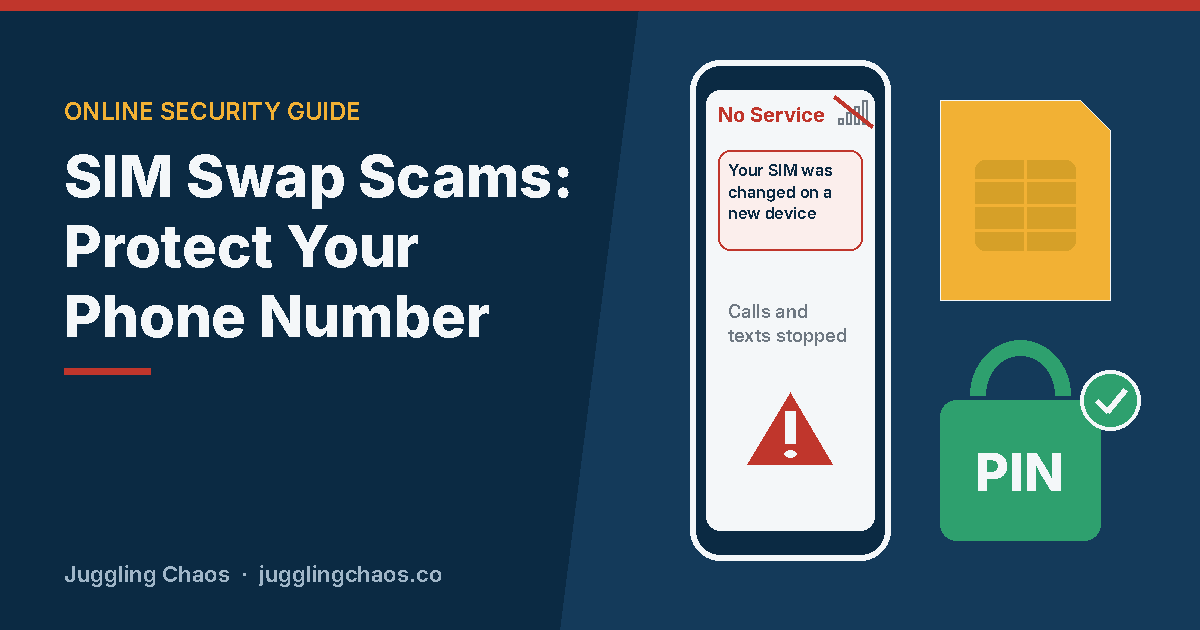
- Your phone suddenly has no service. The FTC’s top sign is losing service out of nowhere: no calls, no texts, no data, in a place where your phone normally works fine.
- You get an alert about a SIM change or a number transfer you didn’t ask for. FCC rules require carriers to notify customers right away when a SIM change or port-out request is made on their account. Take these alerts seriously.
- You get a notice that your SIM was activated on a new device. If you didn’t just get a new phone, call your carrier.
- Password reset or new sign-in emails arrive that you didn’t request, especially from your bank, email or a shopping account.
- Someone calls or texts claiming to be your carrier and asks for your account PIN, a code that was just sent to you, or other account details. A real carrier will not need you to read them a code it just texted you.
How to protect your phone number
- Add a PIN or passcode to your mobile account. The FTC says a PIN or password on your cellular account could help protect it from unauthorized changes. CISA notes that most carriers offer an extra PIN or passcode for your account and calls it a key step against SIM swapping. Pick one that isn’t your birthday, address or the last digits of your phone number.
- Turn on your carrier’s number lock or account lock. FCC rules require wireless carriers to offer customers the option to lock their accounts so SIM changes and number transfers are blocked. Carriers call this different things, such as a number lock, SIM lock or port-out protection. Look in your carrier’s app or account settings, or call the number on your bill and ask for it by description. When you really do switch carriers or phones, you can turn it off first.
- Protect the carrier account itself. CISA recommends adding both a PIN and two-step sign-in to your mobile carrier account. Use a strong, unique password for the carrier’s website and app.
- Move important accounts off text-message codes. The FTC says text verification may not stop a SIM swap, and that an authenticator app or a security key is safer when offered. CISA goes further and says FIDO authentication, which includes passkeys and security keys, is the strongest kind. Start with your email, bank, retirement and investment accounts.
- Share less online. The FTC advises limiting the personal details you post, since thieves use them to answer security questions.
- Don’t respond to unexpected requests for information. If a call, text or email says it’s from your carrier or bank, hang up or close it, and contact the company using a number or website you already know is real.
Text codes, authenticator apps and passkeys, in plain terms
“Two-step sign-in” means a password plus a second check. Not all second checks are equal:
- Text message codes. Better than nothing, but the FTC calls codes sent by text or email the least secure type of two-factor authentication, because they go wherever your number goes.
- Authenticator apps. CISA explains these phone apps make a new code every 30 seconds. The FTC notes they aren’t affected by a SIM swap, because the codes live on your device, not with your phone number.
- Passkeys and security keys. A passkey lets you sign in with your phone or computer’s fingerprint, face or screen lock instead of a code. A security key is a small physical device. CISA says FIDO methods like these resist phishing, and the FTC calls security keys the strongest method of two-factor authentication.
You don’t have to change everything at once. Look in the security settings of your most important accounts for “passkey,” “authenticator app” or “security key.” Once one is set up, see whether you can remove text messages as a backup option.
Keep a backup way into your accounts
If your number is ever taken, you will want to get into your email and bank without it. A little preparation helps:
- Save the backup or recovery codes that accounts offer when you turn on two-step sign-in, and keep them somewhere safe at home.
- Add a second recovery email address you control to your main accounts.
- Write down your carrier’s customer service number and your account PIN and keep them somewhere private, not in your phone alone.
If your number has been taken over
Move quickly, and work through what applies:
- Your phone suddenly lost service: use another phone to call your carrier at a number you know is real. Ask whether a SIM change or number transfer was made, and ask them to restore your number and lock your account. FCC rules require carriers to have a way to report fraud and to look into it promptly.
- You got your number back: change the passwords on your email first, then your bank and other financial accounts. Change your carrier PIN and password too.
- You see charges or changes you didn’t make: the FTC advises checking your credit card, bank and other financial accounts and reporting anything unauthorized to the company right away.
- A thief got into your email or social media: secure and recover those accounts next. See Hacked Email: What to Do Next.
- Your Social Security, bank or card information may be exposed: go to IdentityTheft.gov for a step-by-step recovery plan.
- You want a record of what happened: FCC rules require carriers to promptly give customers documentation of fraud on their accounts. Ask for it. It can help with your bank and any identity theft report.
Report the scam to the FTC at ReportFraud.ftc.gov. If your carrier doesn’t resolve a number transfer problem, you can file a complaint with the FCC at consumercomplaints.fcc.gov.
Helping an older parent with phone number security
- Sit down together and add a carrier account PIN and turn on the number lock. Write both down and keep them in a safe place they can find.
- Set up an authenticator app or passkey on their email and bank accounts, and save the backup codes on paper.
- Agree on a simple rule: “If my phone suddenly says no service, I call you or the carrier from another phone right away.”
- Remind them that a real carrier won’t call and ask them to read back a code or share their PIN.
Checklist
- Every family phone line has a carrier account PIN or passcode.
- Number lock or port-out protection is turned on with the carrier.
- Email and bank accounts use an authenticator app, passkey or security key instead of text codes.
- Backup codes and the carrier’s phone number are written down and stored safely.
- Everyone knows that sudden “no service” means call the carrier from another phone.
FAQ
Can someone take my number without having my phone?
Yes. A SIM swap or port-out happens at the carrier’s end. The thief convinces the carrier to move your number, so your phone can be in your pocket the whole time. That’s why the carrier account PIN and lock matter so much.
My phone shows no service. Does that mean I’ve been SIM swapped?
Not necessarily. Outages, a weak signal or a phone glitch are far more common. Try restarting the phone. If service doesn’t return, or you got an alert about a SIM or transfer request, call your carrier from another phone.
Will a number lock stop me from switching carriers later?
It will block a transfer while it’s on, which is the point. When you’re ready to switch carriers or set up a new phone, turn the lock off first through your carrier’s app, website or customer service, then turn it back on after.
Are text message codes still worth using?
Text codes are better than having no second step at all. For your most important accounts, though, the FTC and CISA both point to stronger choices like authenticator apps, passkeys or security keys, since text codes follow your phone number.
Related guides
- Scam Texts: How to Spot a Fake Text Message
- Imposter Scams: How to Spot Someone Pretending to Be an Agency or a Company You Trust
- Credit Freeze Review
Sources
- Federal Trade Commission, “SIM Swap Scams: How to Protect Yourself,” consumer.ftc.gov, accessed October 24, 2026.
- Federal Trade Commission, “Use Two-Factor Authentication To Protect Your Accounts,” consumer.ftc.gov, accessed October 24, 2026.
- Federal Trade Commission, “Creating Strong Passwords and Other Ways To Protect Your Accounts,” consumer.ftc.gov, accessed October 24, 2026.
- Federal Communications Commission, “Protecting Consumers from SIM Swap and Port-Out Fraud,” Report and Order, docs.fcc.gov, accessed October 24, 2026.
- Federal Communications Commission, “Protecting Consumers from SIM Swap and Port-Out Fraud,” Fact Sheet, docs.fcc.gov, accessed October 24, 2026.
- Cybersecurity and Infrastructure Security Agency, “Mobile Communications Best Practice Guidance,” cisa.gov, accessed October 24, 2026.
- Cybersecurity and Infrastructure Security Agency, “Turn On MFA,” cisa.gov, accessed October 24, 2026.
This is general information, not legal or financial advice. If you lost money, contact your bank or payment provider right away and report the scam at ReportFraud.ftc.gov.
Get one safety checklist a month
Juggling Chaos Monthly is free: one 15-minute checklist, one scam warning sign, and our newest guides. Sign up on the newsletter page.
Juggling Chaos will never ask for a password, payment, gift card, or verification code. Guides are general information, not legal or financial advice; see our Disclaimer and Terms and Editorial Policy.